
Does your golf club or driving range have the GolfNext driving range payment terminal installed?Then you need to get started using your GolfNext account, preferably via the GolfNext mobile app.
With the GolfNext solution, we strongly recommend that you download our mobile app for the best possible and most seamless experience. Are you not comfortable using an app, your golf club or driving range can also provide you with a physical NFC card for you to load range balls onto. 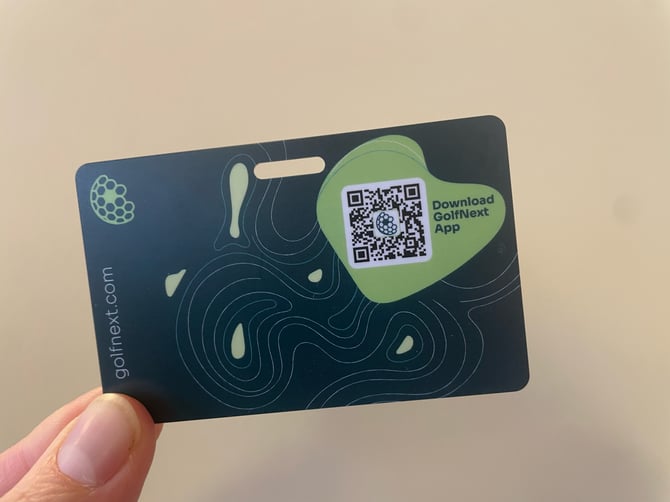
The GolfNext mobile app can be downloaded on Google Play or the Apple App Store. You can click directly on this link on your smartphone to download the app: Download the GolfNext app or you can scan this QR code: 
Start by selecting your country to get you login options:
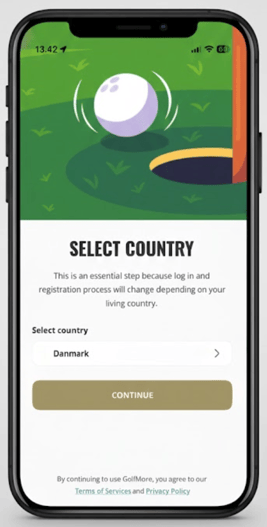
IMPORTANT - If the app asks you for permission to access your GPS location, it is important that you give it access. If the app cannot see your location, it will not be able to connect to the payment terminal on the ball machine.
For countries using golfbox - please use the golfbox login option for the best and most seamless experience and to import your union member number. If Golfbox is not an option for you due to your location - please log in using Google, Apple or simply your email address.
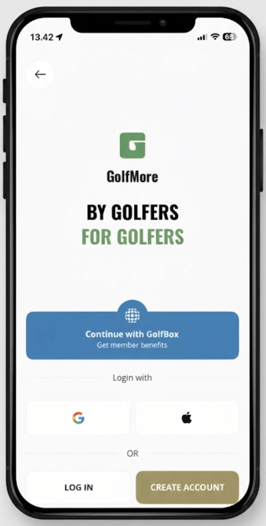
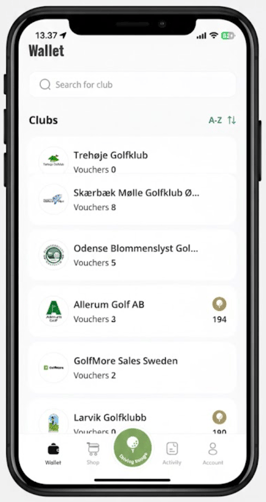
Once you are logged in, you will be greeted by our wallet screen, which looks like the image below. If you have any GolfNext vouchers for green fees, buggies etc. they will be shown here. The order of the list is determined by your physical location. The venues closest to you will appear first .
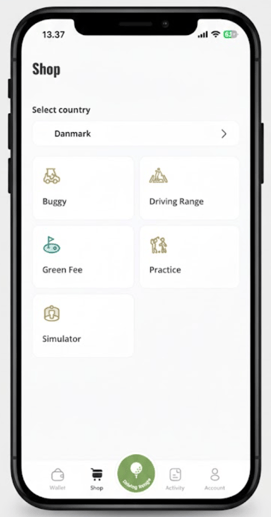
The shop section is where you can view the products that Golf Clubs working with GolfNext, have listed for sale. These are split into the different categories that GolfNext currently provides.
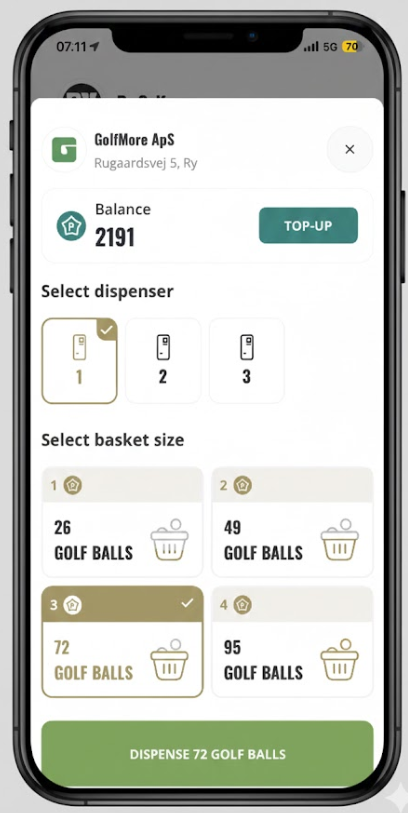
The big green button in the middle of the menu bar is for dispensing balls at the driving range ball machine.
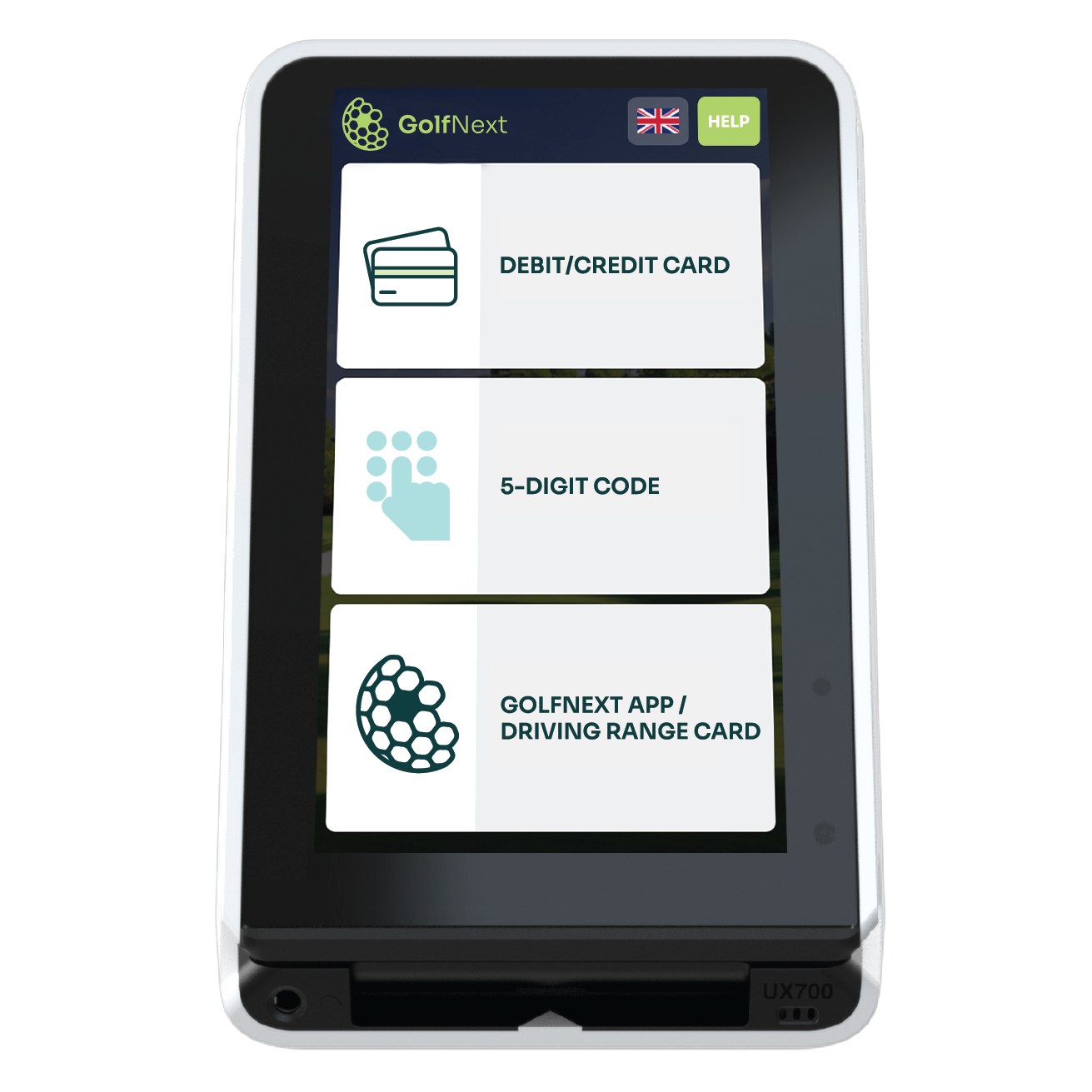
IMPORTANT - When you go to dispense balls, press the 'GolfNext App' option on the driving range terminal first. Then the machine is ready to communicate with your app. The process is the same when using NFC cards.
If you want to get to know our app even further, you can check out this full walkthrough, where we cover everything the app can do.