
When you create a voucher, the system will ask you to choose a couple of images (as seen on the screenshot below)
If you wish to change these images, do the following:
UPPER IMAGE:
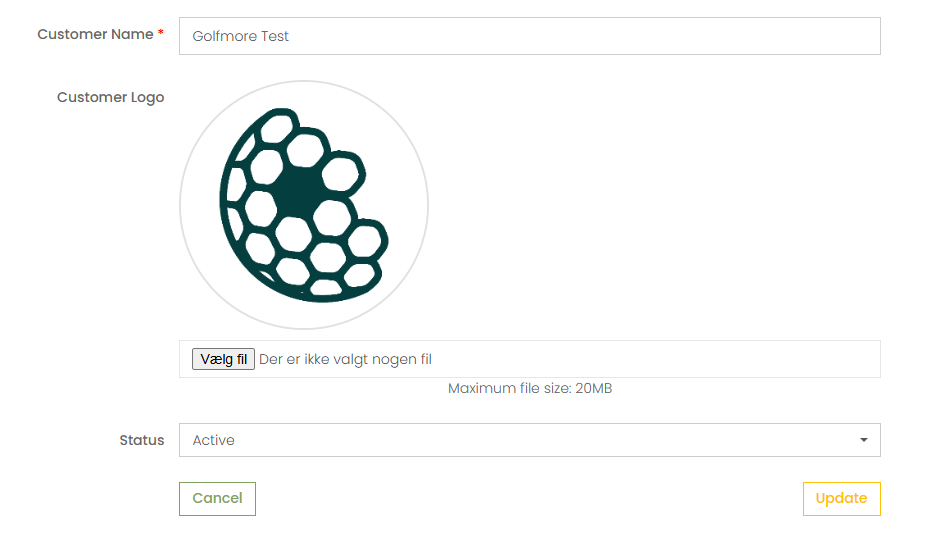
1.Go to "Manage" and choose "Customers"

2. Find the customer that you used when creating the voucher.
3. By clicking on the customer, now you can upload a new image that can be used when creating vouchers.
LOWER IMAGE:
1. Go to "Manage" and choose "Club location"

2. Choose the relevant club. Here, you can upload a new image that can be used when creating vouchers.
